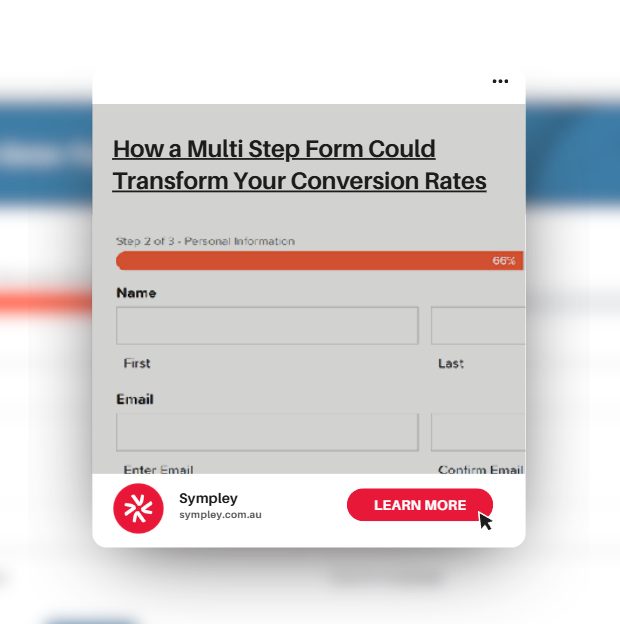
When it comes to generating leads online, one of the most important tools on your website is your lead capture form. Whether it’s a contact form, quote request, or booking enquiry, this is often the final step in converting a visitor into a potential customer.
A lead capture form is designed to collect key information from your website visitors typically things like name, email, phone number, and project details. However, many traditional forms present all of these fields at once. While this might seem efficient, it often results in long, overwhelming forms that can discourage users from completing them altogether.
The Problem with Traditional Forms
Most standard forms display every required field upfront. This creates friction. When a user lands on a page and is immediately faced with a large block of inputs, it can feel time-consuming and complicated even if it’s not.
This is where many websites lose potential leads.
Users today expect simplicity and ease. If a form looks too long or difficult, there’s a high chance they’ll abandon it before even starting.
What Are Multi Step Forms?
Multi step forms solve this problem by breaking a single long form into smaller, more manageable sections. Instead of presenting everything at once, the form is divided into steps (or pages), guiding the user through the process one piece at a time.
For example, step one might ask for basic contact details. Step two could gather project information. Step three might confirm submission.
This approach creates a smoother and more engaging experience.
Why Multi Step Forms Improve Conversions
By splitting forms into multiple steps, you instantly reduce the perceived effort required to complete them. Users are far more likely to start and finish a form that looks quick and simple.
Strategically placing fields across different steps also helps maintain user attention. You can prioritise easy, low-commitment questions first, building momentum before asking for more detailed information later.
This gradual engagement plays a significant role in improving conversion rates.
Using Gravity Forms for Multi Step Forms
Here at Sympley, when it comes to WordPress websites, we consistently recommend using Gravity Forms as our go-to form plugin.
One of the key advantages of Gravity Forms is its built-in support for multi step forms through its “Pages” feature. This allows you to easily divide your form into logical sections without needing complex custom development.
It’s flexible, reliable, and integrates seamlessly into most WordPress builds.
It’s Not Just About Splitting Fields
Implementing a multi step form isn’t just about breaking your form into smaller chunks. The way it’s presented is just as important.
Clear “Next” and “Back” buttons, progress indicators, and visual cues all help guide the user through the process. These elements reassure users that they’re making progress and show how close they are to completion.
Without these cues, even a multi step form can feel confusing.
Bringing It All Together
If your website relies on lead generation, optimising your forms should be a priority. Multi step forms are a simple yet highly effective way to reduce friction, improve user experience, and ultimately increase conversions.
If you’re currently using long, single-page forms, transitioning to a multi step format could make a noticeable difference in your results.
At Sympley, we regularly implement and optimise forms as part of our ongoing website support and our wordpress maintenance service. It’s one of many ways we help businesses get more value from their websites.
Need Help Improving Your Forms?
If you have a long form with multiple fields and want to simplify the experience using multi step forms, our team can help.
Reach out to us here at Sympley to discuss how we can refine your lead capture strategy and improve your website’s conversion performance.