What is an Email Signature and Why Does It Matter?
An email signature is the block of content automatically added to the bottom of your emails. It typically includes your name, position, company details, contact information, and often branding elements like logos, banners, and links.
For businesses, email signatures are more than just contact details—they act as a consistent brand touchpoint across every email sent by your team. Whether you’re sending proposals, responding to enquiries, or communicating internally, your email signature reinforces your brand identity and professionalism.
Many businesses also use email signatures as a subtle marketing tool. Adding banners, promotions, or links to recent campaigns allows you to turn everyday email communication into an ongoing marketing channel.
The Limitations of Email Design
Unlike modern websites, email design comes with significant technical limitations. Email clients like Outlook and Gmail restrict the types of code that can be used, meaning:
- Advanced CSS and modern layouts are often unsupported
- Responsive behaviour is limited compared to websites
- Fonts and styling can render differently across devices
- Background images and animations may not display correctly
Because of these restrictions, creating a consistent and professional email signature that works across all devices and platforms can be challenging.
The Problem with Manual Email Signature Setup
Traditionally, businesses would set up email signatures individually for each employee—either manually on their device or within their email client. While this might work for a small team, it quickly becomes unsustainable as you grow.
If you have 10, 20, or even hundreds of staff, updating signatures one-by-one becomes time-consuming and prone to inconsistencies. Even small changes like updating a phone number, logo, or promotional banner can take hours (or days) to roll out across the entire business.
The Solution: Email Signature Managers
Email signature management tools allow you to centrally control and deploy email signatures across your entire team. This ensures:
- Consistent branding across all staff
- Easy updates rolled out instantly
- Ability to run marketing campaigns via signatures
- Reduced reliance on individual staff to manage their own setup
Below are our top 5 email signature managers, along with general pricing guidance.
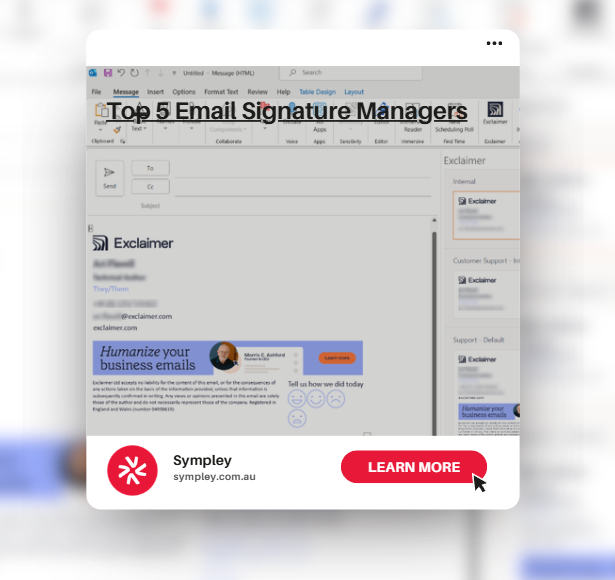
1. Exclaimer
One of the most popular solutions globally, offering powerful centralised control and deep integration with Microsoft 365 and Google Workspace.
Estimated Pricing:
- 10 users: $70–$100/month
- 20 users: $140–$200/month
- 30 users: $210–$300/month
2. CodeTwo Email Signatures 365
A strong alternative for Microsoft environments, known for reliability and straightforward setup.
Estimated Pricing:
- 10 users: $60–$90/month
- 20 users: $120–$180/month
- 30 users: $180–$270/month
3. Letsignit
Letsignit leans heavily into marketing features, making it ideal for businesses wanting to run campaigns through email signatures.
Estimated Pricing:
- 10 users: $80–$120/month
- 20 users: $160–$240/month
- 30 users: $240–$360/month
4. WiseStamp
A more cost-effective option, especially for smaller teams, with simple setup and clean templates.
Estimated Pricing:
- 10 users: $50–$80/month
- 20 users: $100–$160/month
- 30 users: $150–$240/month
5. Signature.email
A flexible tool focused on design and customisation, suitable for businesses that want more control over the visual layout.
Estimated Pricing:
- 10 users: $40–$70/month
- 20 users: $80–$140/month
- 30 users: $120–$210/month
Why Email Signature Management Matters
Managing your email signatures properly is critical for maintaining consistent brand representation across your business. Without a centralised system, it’s easy for outdated information, inconsistent branding, or incorrect messaging to slip through.
Beyond brand consistency, email signatures also offer a powerful marketing opportunity. Whether you’re promoting a new service, sharing a recent blog post, or highlighting a limited-time offer, your email signature becomes a scalable and cost-effective marketing channel.
Need Help Setting Up Email Signatures?
If you’re looking to implement or improve your email signature management across your business, the team at Sympley can help. From choosing the right platform to designing signatures that align with your brand, we’ll ensure everything is set up properly and working seamlessly.
Get in touch with us today to learn more about how we can support your business.